
Scritchy Scratchy walkthrough: Step by Step to the Ending
Start with available upgrades and affordable tickets, then build income and use the scratch bot while saving toward the machine and Final Chance.
Jump to
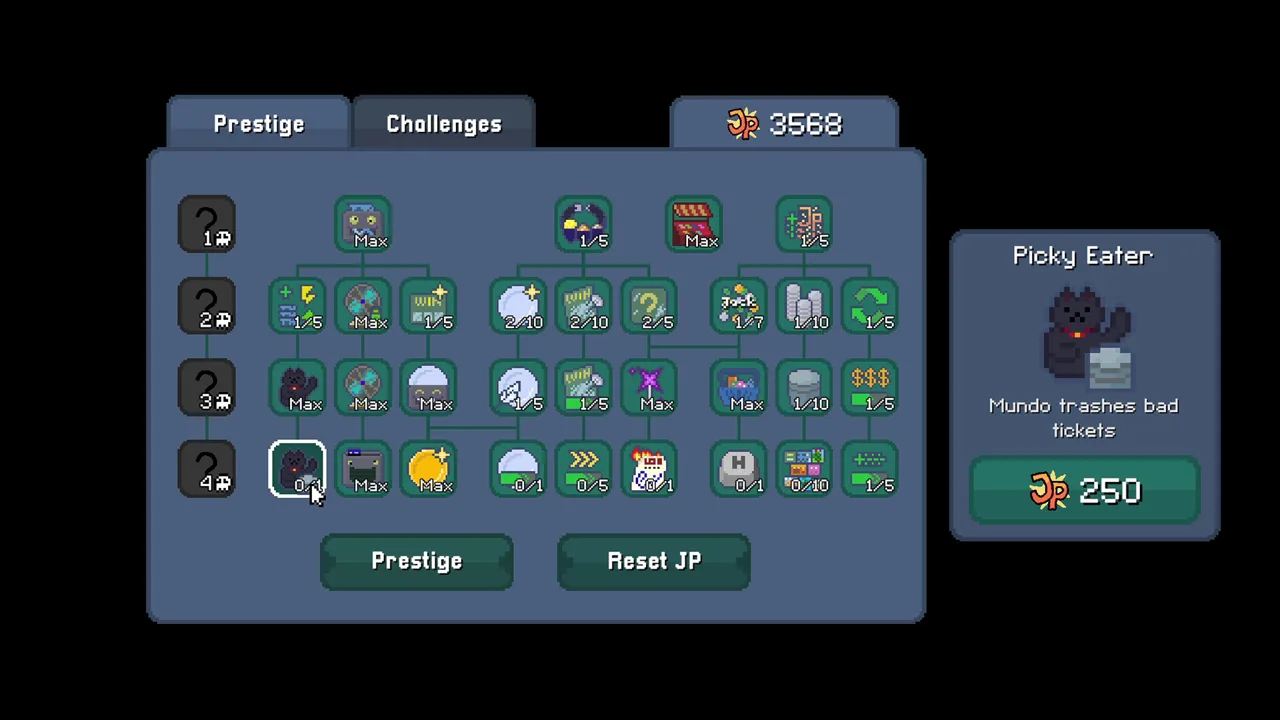
Scritchy Scratchy walkthrough: the plan
A run in Scritchy Scratchy can turn into a steady cycle of buying tickets, scratching them, and reinvesting the winnings. But a ticket that loses money or an overwhelmed scratch bot can slow that cycle down. This Scritchy Scratchy walkthrough explains how to keep income moving as new catalogs appear and how the late-game Final Chance challenge fits into the larger progression. Use the route as a flexible guide: ticket outcomes and available upgrades can affect how quickly your run develops.
The core loop shown in the player video is straightforward: buy a ticket you can afford, send it to the scratch bot, and put some of the income toward scratch luck and useful upgrades. The video also shows the player charging the egg timer, upgrading the machine when possible, and manually scratching tickets when the bot needs help. The official guide describes a broader cycle-based progression, with permanent upgrades and souls playing a role in later runs.
| Run priority | What to do | Source-backed reason |
|---|---|---|
| Keep tickets moving | Buy available tickets and feed them to the scratch bot | The player video uses the bot to process tickets and generate income |
| Invest in luck | Buy scratch luck as funds allow | The player repeatedly purchases luck while progressing through tickets |
| Improve automation | Upgrade scratch bot speed and strength | The player prioritizes these upgrades as the ticket queue grows |
| Use the machine | Feed it money when you can afford an upgrade | The player describes it as increasing the coin multiplier |
| Help manually | Scratch tickets yourself when the bot is falling behind | The video shows manual scratching as a way to keep income moving |
The player video follows a run with many upgrades already in place, so its pace is not a promise for every starting setup. It is useful for seeing how the player shifts attention between ticket purchases, luck, automation, and the machine. A good approach is to watch your own queue and funds: keep tickets moving while reserving some money for upgrades that support the next stretch of the run.
Start the income loop
At the beginning, collect the available upgrades and buy the first tickets you can afford. This Scritchy Scratchy walkthrough follows the player video’s opening approach: the creator starts with $100 because of a starting upgrade, then buys tickets and scratch luck. Your starting amount may depend on your upgrades, so focus on the same basic loop rather than matching a particular balance.
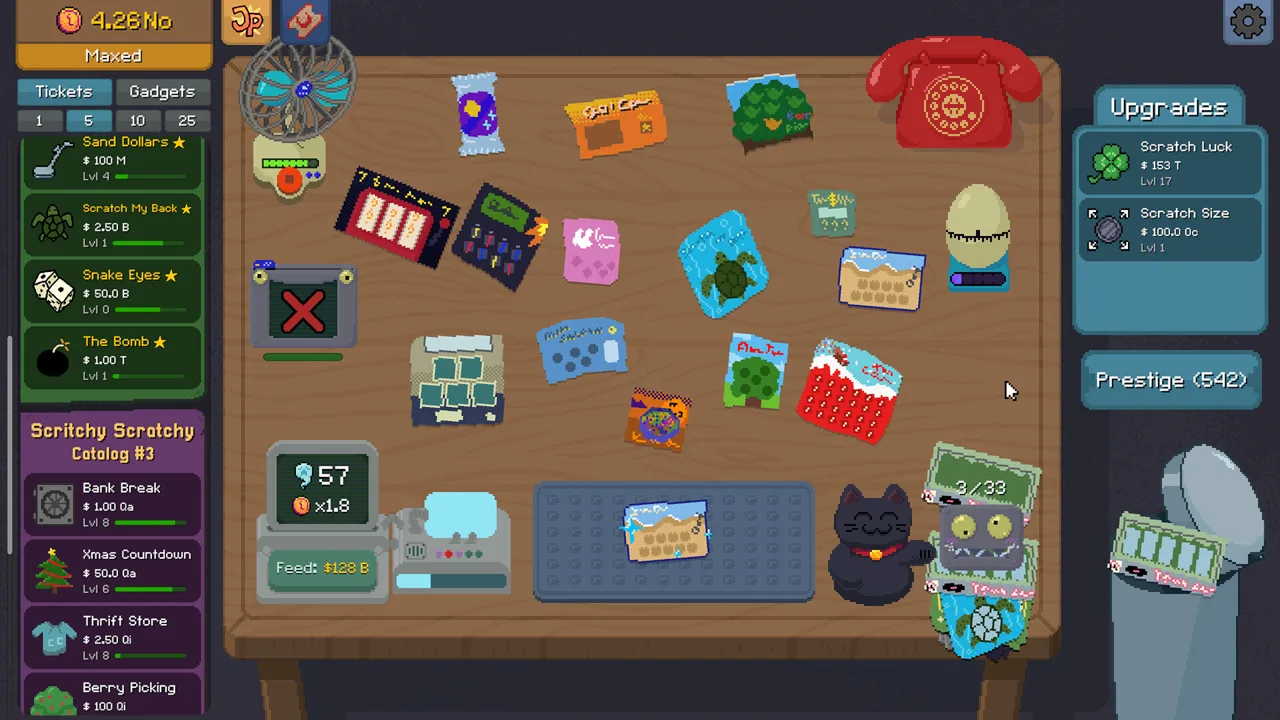 Image: Steam / Lunch Money Games
Once the scratch bot is available, feed it tickets while saving toward the machine. The player also buys the trash can early; in the video, it costs $2. As income arrives, the creator buys scratch luck and the next ticket they can afford. The early sequence shown includes Quick Cash, Total Scratch Card, Sand Dollar, Snake Eyes, and Bomb tickets.
| Early-run action | Practical approach |
|---|---|
| Buy tickets | Choose an available ticket you can afford and keep the scratch bot supplied |
| Upgrade luck | Check for a scratch luck upgrade when you have money to reinvest |
| Use the machine | Buy it when available, then feed it money to increase the coin multiplier |
| Scratch manually | Clear some tickets yourself if the bot is slow or the queue is growing |
| Check the egg timer | The player says a shaking timer means it has run out and needs to be charged |
A newly available ticket does not have to become your only focus right away. In the player video, the creator buys a couple more luck upgrades around the time a new card becomes affordable instead of immediately spending all available money on that card. A good approach is to keep investing in luck while making sure you can still afford tickets to maintain the income loop.
The creator avoids Apple Tree in that run because its worm symbol can lead to losses, and the player says the scratch bot may scratch without avoiding them. That is a specific concern from the player video, not a guarantee about every run. The creator also treats scratch size and coin upgrades as lower priorities early on, except when a special ability requires more coin strength. For your own run, a good approach is to put funds toward upgrades that address a visible bottleneck.
Build speed through the middle catalogs
Once the early tickets are generating reliable income, keep the same loop going: in this Scritchy Scratchy walkthrough, upgrade luck, buy an affordable ticket, and improve the systems processing it. The player changes the subscription bot’s selection to match the ticket being used. If you have that bot available, a good approach is to set it to the card you want it to order.
 Image: YouTube / Joe Bart Games
The player video moves through Bomb and Bank Break, then shows the third catalog with Xmas Countdown, Thrift Store, and Berry Picking. Those are the cards shown in that run; the video does not establish that everyone will unlock them at the same pace. As the ticket queue grows, the player keeps upgrading the scratch bot so it can process cards more quickly.
| Ticket shown in the run | What the player does | Practical reminder |
|---|---|---|
| Bomb | Switches the subscription bot to Bomb | Continue buying luck as funds allow |
| Bank Break | Opens the ticket and buys some | The player also upgrades coin strength around this point |
| Xmas Countdown | Switches the subscription bot to the tree ticket | Keep the egg timer charged |
| Thrift Store | Changes the subscription bot to Thrift Store | Continue investing in luck when possible |
| Berry Picking | Changes the subscription bot again | Watch the queue and help manually if needed |
For the scratch bot, the player’s stated upgrade order is speed and strength before capacity. Capacity is upgraded later in the run, but the creator gives speed and strength priority. The player also improves fan speed and battery when those upgrades are available. A good approach is to use the queue as a cue: if cards are waiting, consider whether the bot’s speed or strength needs attention before spending heavily on capacity.
The player also keeps track of the machine’s next cost. The creator describes a rough rule of thumb: when the machine’s cost is in one money tier, having funds in the next tier can make it easier to keep upgrading without stopping ticket purchases. The video gives millions and billions as an example of adjacent tiers. Treat that as a budgeting tip from the run, rather than a required threshold.
Reach Final Chance and prepare for the late game
For the late-game portion of this Scritchy Scratchy walkthrough, the player video shows the fourth catalog opening and the player prioritizing Trick or Treat. The excerpt also shows Slot Machine becoming available. The official guide describes Final Chance as a late-game challenge and says souls can power it after Cycle 5. These sources cover different parts of progression, so use the ticket order shown in the video as an example rather than a complete route.
 Image: YouTube / Markiplier
The player keeps buying luck and improving automation as the run advances. The official guide recommends maxing luck and accumulating 200+ souls for its late-game strategy. It also describes the machine as a way to inject money for souls and boost coin multipliers. A good approach is to treat luck, the machine, and automation as parts of the same preparation: keep income coming in, then spend funds according to the upgrades and challenge available in your run.
| Late-game system | What the reviewed sources say | Practical approach |
|---|---|---|
| Fourth catalog | The player video shows Trick or Treat and later Slot Machine | Keep the subscription bot set to the ticket you are using |
| Machine | The player feeds it money to increase the coin multiplier | Upgrade it when you can afford the next increase |
| Souls | The official guide says they power Final Chance after Cycle 5 | Build them through the machine as described in the guide |
| Luck | The player buys luck repeatedly; the official guide recommends maxing it for the late-game challenge | Keep checking for luck upgrades as funds allow |
| Final Chance | The official guide describes it as the cycle’s final lottery and a late-game challenge | Prepare with the upgrades and souls described by the guide |
The player video uses the space bar to help clear tickets and says hotkeys can make that faster when unlocked. If you have the relevant hotkey, a good approach is to use it when the scratch bot cannot keep up. The video also shows the creator keeping the egg timer charged and adding speed upgrades as the run progresses.
The official guide notes that Final Chance is difficult and recommends preparation with luck and souls. Its suggested amount is 200+ souls, while the player video excerpt does not provide a soul target. Use the official guide’s figure as its stated strategy, not a guarantee of success. The available sources do not establish a fixed number of attempts or a guaranteed time to finish, so adjust your preparation to the resources in your run.
Tips for a smoother walkthrough
A steady rhythm can help you avoid spending everything on a single new ticket. Keep buying cards to feed the scratch bot, and check whether spare funds can improve luck, scratch bot speed or strength, or the machine. If tickets are waiting, manually scratch some to help the bot catch up. If the egg timer shakes, the player video says it has run out and should be charged again.
This Scritchy Scratchy walkthrough is intended as a flexible route you can adjust to your queue and available funds. The official Scritchy Scratchy walkthrough and strategy guide covers automation, ticket risks, permanent upgrades, and the late-game role of souls. The player video provides an example of how to move between ticket purchases and upgrades during a run. Together, they support a flexible route: use the guide for broader progression systems, then adapt the player’s ticket and upgrade rhythm to your own queue and funds.
A few practical reminders:
- Keep luck in your budget. The player buys scratch luck repeatedly while progressing through tickets.
- Use automation deliberately. The player switches the subscription bot to match the ticket in use and upgrades scratch bot speed and strength.
- Watch for ticket risks. The player avoids Apple Tree because the worm symbol can cause losses when the bot handles the card.
- Help when the queue grows. The player manually scratches tickets when the bot is falling behind and uses the space bar when available.
- Check the machine and timer. The player feeds the machine to raise the coin multiplier and recharges the egg timer when it shakes.
- Prepare for the late game. The official guide describes luck and souls as part of its Final Chance strategy.
FAQ
How long does the Scritchy Scratchy walkthrough take?
The reviewed sources do not establish a guaranteed completion time. The player video shows a run with many upgrades already in place, so use its pace as an example rather than a target.
Which upgrades should I prioritize?
The player video prioritizes scratch luck, then scratch bot speed and strength before capacity. It also shows the creator upgrading the machine and the fan as funds allow. The official guide recommends maxing luck for its late-game strategy.
How many souls should I save for Final Chance?
The official guide suggests accumulating 200+ souls for its late-game challenge strategy. That is a recommendation from the guide, not a guarantee that a particular amount will win.
What should I do when the scratch bot falls behind?
The player video shows manually scratching tickets to help keep the queue moving. It also uses the space bar when the relevant hotkey is unlocked.
Continue with
 Scritchy Scratchy achievement guide to All 34 GoalsUse this Scritchy Scratchy achievement guide to plan your runs, handle tricky unlocks, and work toward all 34 achievements, including Achievement Hunter.
More in Guide
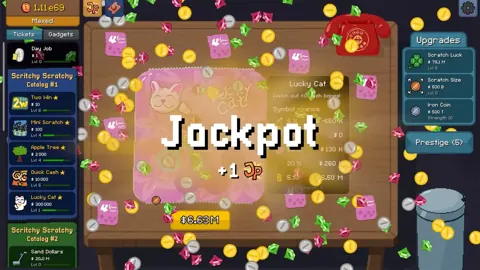
Scritchy Scratchy guide to Income, Upgrades, and the Ending
Use this Scritchy Scratchy guide to grow ticket income, prioritize upgrades, manage risky cards, and prepare for the Final Chance. Includes a short FAQ.
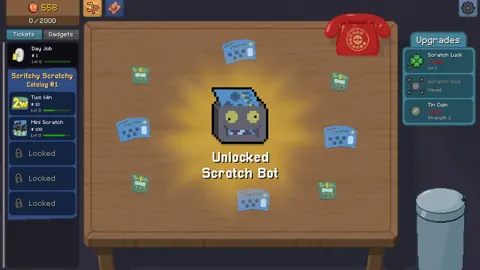
Scritchy Scratchy how long to beat: Playtime by Goal
Compare Scritchy Scratchy playtime estimates for the main story, completionist runs, and a player video’s speedrun route to reach the ending.
Scritchy Scratchy how to win: A Practical Final Chance Guide
Learn how to earn money, manage scratch cards, upgrade your tools, and prepare for the Final Chance in Scritchy Scratchy. Includes tables and an FAQ.
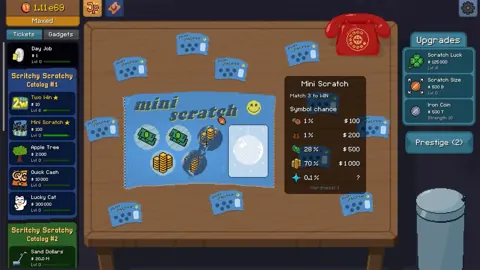
Scritchy Scratchy tips and tricks for a Steadier Run
Use luck, careful card selection, and smart automation to make progress in Scritchy Scratchy. Learn how peeking works and avoid costly mistakes.
Join the community
Official channels for news, updates and player help: